How to stop xmlrpc.php attacks on WordPress
/xmlrpc.php still turns up in the logs of WordPress sites that nobody uses for remote publishing. The requests all reach PHP, and on a shared server everyone feels it.
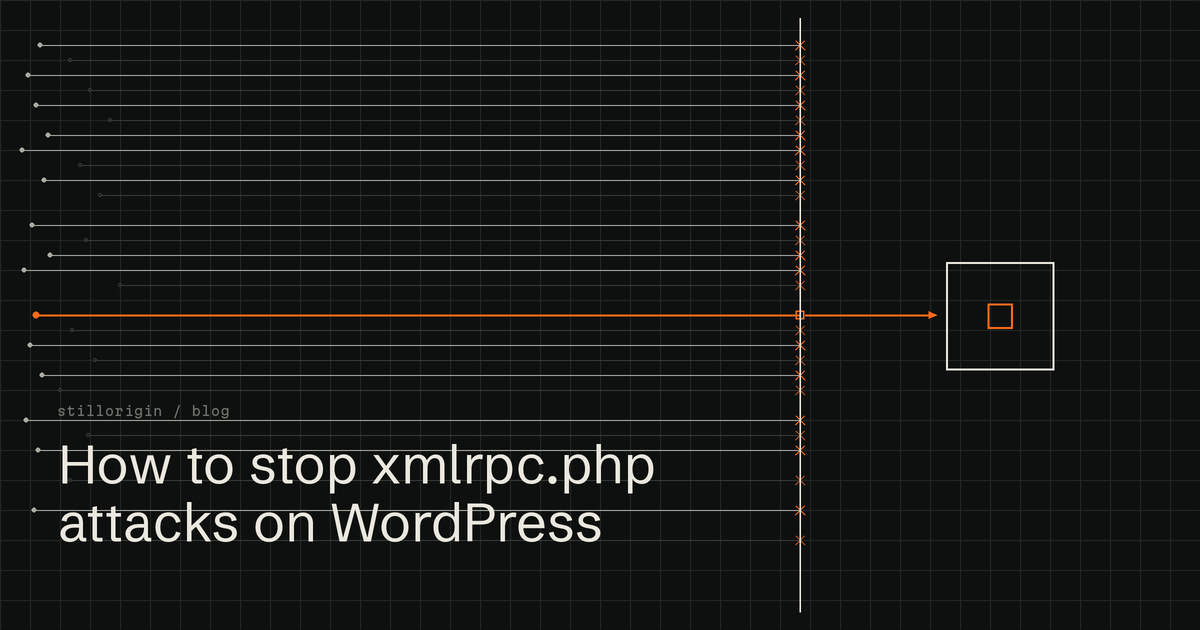
If you host WordPress, you have almost certainly seen /xmlrpc.php in the access logs. Sometimes it is a leftover mobile app, or an old Jetpack connection. More often it is a stream of POST requests used for password guessing or pingback abuse. Every one of those requests has to be run in PHP. On a shared server, that cost is paid by everyone else on the box.
xmlrpc.php was built so desktop and mobile apps could talk to WordPress remotely. Attackers still like it for the two reasons the knowledge base states plainly: it is a common target for password guessing and pingback abuse. A plugin that claims to disable pingbacks does not always close the door. The file is still there, PHP still runs, and on a busy server the requests add up.
Blocking the file on the origin can work, if every account is set up that way and stays that way. In practice it is easy to miss a new site, a migration, or a client who turns it back on. If you already stand in front of the site, the cleaner fix is to refuse /xmlrpc.php before it reaches PHP.
What stillorigin does
Set the domain's type to WordPress, when you add it or later on Edit domain under Cluster and origin server, and turn Website protection on. The sentry then adds rules for the most common attacks on WordPress sites. The WordPress hardening rules aren't WAF rules, so they block as soon as Website protection is on, even while the domain is in log mode. Log mode stops the WAF, automatic Captcha checks, Only accept traffic from Cloudflare, URL rules, app hardening packs and some scraping limits from blocking; it does not stop these WordPress rules.
A request for /xmlrpc.php on a domain with type WordPress is answered with 403 at the sentry, and never reaches the origin. Visitors see a page headed "This request was not accepted", with the line "Reason: this request looked like an attack." In Logs it shows as "WordPress XML-RPC request". You can filter Logs to that reason if a client asks why a connection failed, or if you are checking that a noisy site has gone quiet.
The block applies to every method and to any query string, but only to the exact path /xmlrpc.php at the site root. It does not cover a WordPress install in a subfolder, such as /blog/xmlrpc.php.
The features page puts the rest of the WordPress pack in one line: it blocks xmlrpc, scripts in uploads, PHP in wp-includes, installer and config files, and user enumeration.
These rules need Website protection, and they apply to plain HTTP and to inspected HTTPS. They do not apply with Network protection only. If Website protection is on but HTTPS is still passed through, HTTP is blocked and HTTPS is not, until the domain shows HTTPS inspected. If the domain is not typed as WordPress, this particular block is not applied. There is no bot score involved.
If a client still needs XML-RPC
Some sites still rely on it. The knowledge base gives the usual examples: the old Jetpack connection, or an old mobile app. There is no switch that allows /xmlrpc.php and keeps the rest of the WordPress rules. The option is to set the domain type to Generic, on Edit domain under Cluster and origin server.
That is a real trade-off, and it is worth talking through with the client before you change the type. Generic turns off every WordPress rule, including the blocks on scripts in uploads, PHP in wp-includes, installer and config files, and user enumeration, and the optional admin login lock. It also turns off the WAF's WordPress tuning. Re-check blocks afterwards. Support can only make the same type change; they cannot open /xmlrpc.php on its own. For most sites that do not need XML-RPC, leaving the type as WordPress is the straightforward choice.
This is also not the same as stopping a flood of guesses at /wp-login.php. By default the login page and admin area are still open, with a limit of about 4 requests a minute per IP address on wp-login.php. You can also lock the login page and admin area of WordPress and pack sites to the IP addresses you choose. Those are separate controls, documented on the same WordPress protection page.
If you want this on your own servers, you can start a 30-day free trial. Pricing is on the pricing page. For a wider look at floods that do not come from one noisy address, see Distributed scrapers: why per-IP limits miss them, and how to keep sites up anyway.
Questions hosts ask
Does stillorigin still block /xmlrpc.php when the domain is in log mode?
What if a client still needs XML-RPC, for example an old Jetpack connection or an old mobile app?
Is this the same as stopping brute force on wp-login.php?
Does this work if the domain only has Network protection?
Does this block xmlrpc.php in a subfolder, such as /blog/xmlrpc.php?
Try stillorigin for 30 days.
Put a sentry in front of a server and see what it takes off the origin. The trial includes one sentry, and you can cancel at any time.