Distributed scrapers: why per-IP limits miss them, and how to keep sites up anyway
PHP-FPM is maxed and clients see 503s, but no single address looks busy. Per-IP limits are not enough on their own.
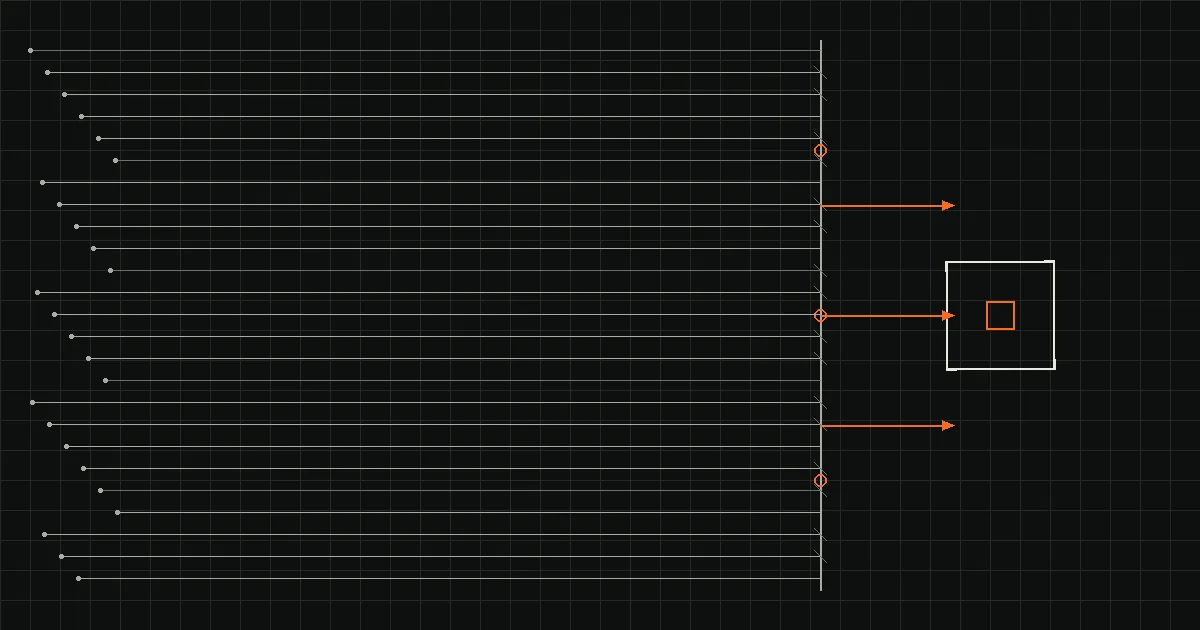
A familiar night for a web host: one client's site is crawling, PHP-FPM is at the cap, and other sites on the same server start to feel it. You open the logs expecting a noisy address you can ban. Instead you see hundreds or thousands of IPs, each of them making only one or two requests. fail2ban never triggers. Per-IP connection limits look fine. The origin is still drowning.
That is a distributed scraper, and it is common. Tools that rotate residential or data-centre addresses are built to stay under the exact limits hosts rely on. No product honestly catches every one of them, and stillorigin does not claim to. There is still a lot you can do to keep real customers getting through, and to take the cheap, obvious abuse off the origin.
Why per-IP limits miss this
Most server-side defences count activity per address: new connections, requests in a minute, or failed logins. That works when one IP is rude. It does little when the same job is spread thinly across a crowd of addresses, each of them well under the cap.
It also helps to remember what the limit is counting. A connection limit is not the same as a request limit. A visitor who already has a connection open can send quite a bit over it without opening a new one. A scraper that opens a fresh connection from a new address for every cheap request will never look busy to a per-IP cap.
What you can do on the origin
Before you change firewalls, make the expensive pages cheaper to serve. Cache category, tag, search and filter pages where you can, so a thin crawl is more often a cache hit than a PHP worker. Rate-limit or challenge the paths scrapers actually hit — search, sort, add-to-cart — rather than the whole site. And look at the pattern, not just the top talkers: many addresses, thin requests, the same kinds of URL.
If a clear range or network keeps coming back, you can deny it by hand. That is slow, and it is not a complete answer, but it is honest work that still helps.
What stillorigin can do, without overclaiming
stillorigin sits in front of the origin as a sentry you run yourself. It does not assign bot scores, and it does not claim to catch every rotating scraper. It can optionally ask for a browser check when a page visit says it is a web browser but the HTTPS connection does not look like that browser (Browser and connection don't match). That check never blocks on its own and starts off. Here is what else it will do.
On every domain, Network protection limits how many new connections one IP can open, and how many it can hold open. Addresses that keep going over those limits can be temporarily banned. There is also a per-network limit, which counts every address in the same IPv4 /24 or IPv6 /48 together. That helps when a scraper is spreading out inside one network. It does not help when the addresses are all over the place. New connections over that network cap are dropped, without banning the whole network. You can also add addresses, ranges or AS numbers to your own deny list by hand.
On domains with Website protection, you have more to work with. URL rules can rate-limit, check, block or temporarily ban just the paths scrapers hammer, and every new rule starts in log mode. The Website protection per-network limit can ask those visitors for a Captcha Protection browser check instead of dropping them, so a real person on a busy network still gets through.
Captcha Protection is a quick, automatic browser check. People get through in a few seconds, with no puzzle to solve. All verified Identified traffic except internet scanners is never asked to complete the check, including verified search engines and payment providers. Payment notifications sent to common online stores are never checked either. You choose when visitors are checked: suspicious traffic (visitors that look like bots but are not a known service, addresses on the stillorigin naughty list when you are not already dropping them, and visitors over the per-IP request rate, who get the check instead of an error); pages you list, such as a login page; and when the site is under load.
That last setting is the one to turn on for this problem. Each sentry watches how quickly the origin answers. While the site is slow or returning errors, it can check every visitor. Real customers complete the check and get through; bots that cannot pass are stopped. It turns itself off once the site has recovered. Early warning, which needs the same setting, can start checking sooner when traffic or response times suddenly look far from normal for that site. You can start both in log mode. There is also a manual Under Attack switch when you want every visitor checked, except trusted traffic such as verified search engines and payment providers.
None of that is a promise to catch every rotating scraper. It is a way to take pressure off the origin when the site is struggling, and to stop the cheap fakes and noisy networks you can actually see. If you want to look up a single address, use Check an IP. To see this on your own traffic, you can start a 30-day free trial.
Questions hosts ask
Will stillorigin catch scrapers that rotate thousands of IPs?
Do I need Website protection for this?
Will the browser check get in the way of paying customers?
Try stillorigin for 30 days.
Put a sentry in front of a server and see what it takes off the origin. The trial includes one sentry, and you can cancel at any time.