Is that really Googlebot? Spotting fake crawlers in your server logs
Scrapers have used the Googlebot name for years. The name is easy to copy. The address it comes from is not.
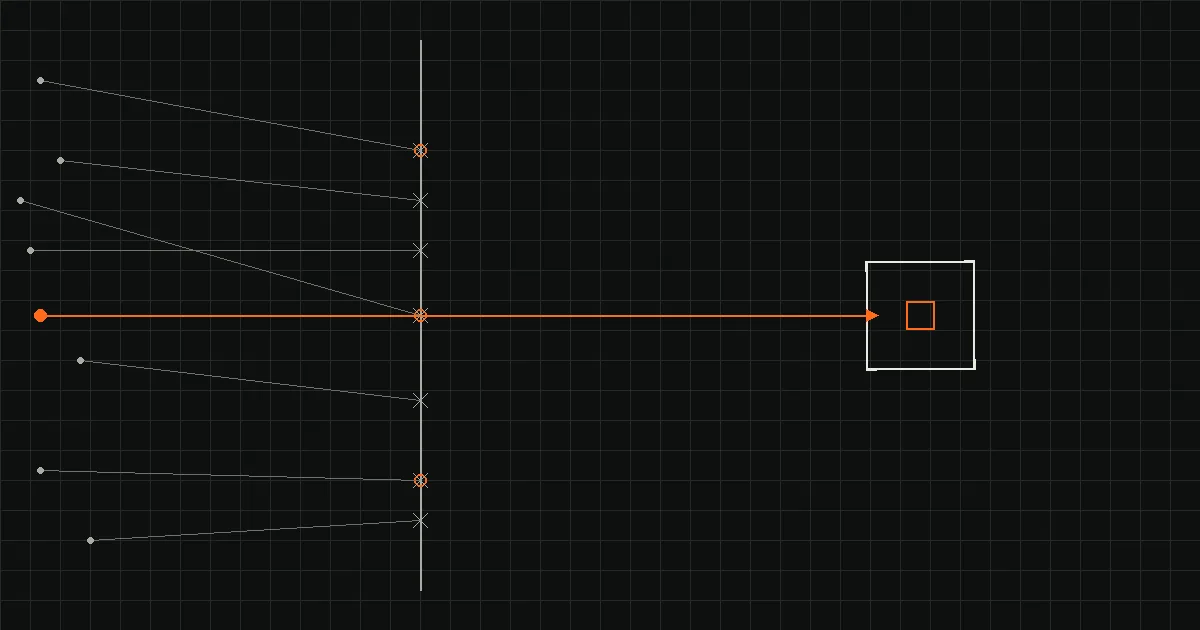
If you host websites, you have almost certainly seen Googlebot in your access logs. Sometimes it is the real thing, quietly fetching a client's pages for search. Sometimes it isn't. Scrapers have used the Googlebot user agent for years, because it looks legitimate and because some hosts are reluctant to rate-limit anything with that name.
Blocking by user agent is the wrong fix. If you drop every request that says Googlebot, you also drop the real crawler, and a client's pages can disappear from search results. The name in the request is easy to copy. The address it comes from is not.
How to check a “Googlebot” in your logs
Google publishes the addresses its crawlers use, and it documents a second check: look up the hostname for the IP, then look that hostname back up and confirm it returns the same address. That is forward-confirmed reverse DNS, and Microsoft, Apple and others document the same idea for their crawlers.
You only need the IP address from the log line, not the user agent. If you are looking at a line that already says Googlebot, ignore the name and check the address. Do the two DNS lookups by hand if you like, or use a tool that does them for you.
stillorigin's free Verify a crawler IP tool is built for this. Paste a public IPv4 or IPv6 address. It checks stillorigin's copy of published provider address ranges, and, where the vendor documents it, a forward-confirmed reverse DNS lookup. stillorigin does not store the addresses you look up.
The result is one of three things:
- Verified. The address is in a published crawler range, or its hostname is a documented crawler domain and forward DNS returns the same address, or both.
- Failed the forward check. The hostname claims to be a known crawler, but it does not resolve back to the same address. That is the usual sign of a fake crawler hostname.
- Not a known crawler. The address is not in the published ranges we use, and the hostname is not a documented crawler domain.
A “not a known crawler” result does not mean the traffic is hostile. It only means it isn't a crawler we can confirm. Plenty of ordinary visitors, monitors and smaller bots will land there.
What stillorigin does with this at the edge
On a sentry, stillorigin recognises genuine search and assistant crawlers by their source IP, using each provider's published address list. User-agent strings are not used for that decision, so a spoofed bot name does not unlock the crawler limits. You can read the list, and what is deliberately left off it, in the knowledge base on verified crawlers.
If you turn on Block fake crawlers in Settings › Identified traffic, a request that claims to be a known crawler (for example Googlebot, Bingbot, GPTBot or ClaudeBot) but comes from an address that crawler does not use is answered with 403 and never reaches the origin. Real crawlers from their official addresses are never blocked by this check. The log reason is fake-crawler.
This runs on domains with Website protection, and on plain HTTP for other domains. On HTTPS for a domain without Website protection, the sentry cannot read the request, so this check is not applied.
Verified search engines and AI crawlers use the cluster's crawler connection limits, which start lower than the ordinary per-IP new-connection limit and can be raised on the cluster. That setting is shared by both groups. Everyone else, including scrapers that only change their user agent, uses the ordinary limit. The same picture sits on the Identified traffic section of the features page.
If you are cleaning a log file this week, start with the free checker. If you want the same check applied to your clients' sites as traffic arrives, you can try stillorigin free for 30 days.
Questions hosts ask
Can I just block the Googlebot user agent?
Why might a fake Googlebot still reach a site that only has Network protection?
Do you store the addresses I look up in the free tool?
Does this only work for Googlebot?
Try stillorigin for 30 days.
Put a sentry in front of a server and see what it takes off the origin. The trial includes one sentry, and you can cancel at any time.